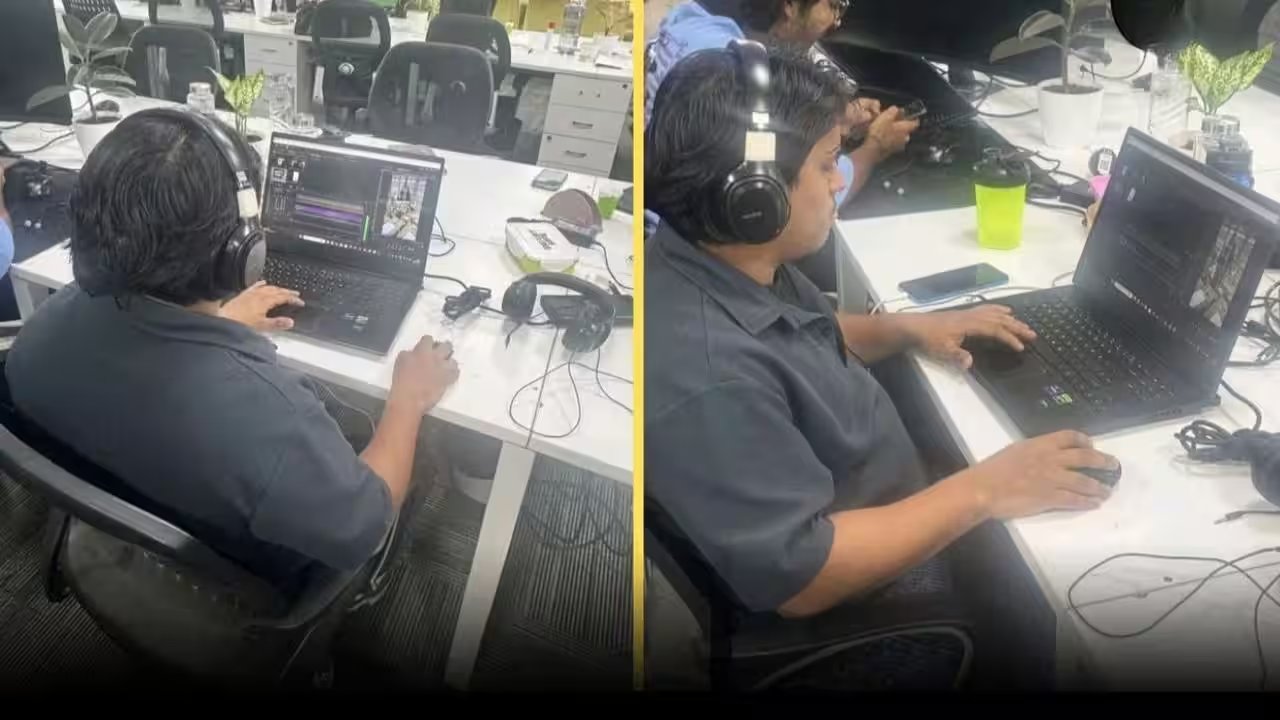
If you’re a makeup lover looking to boost your TikTok game, try Adobe Premiere Rush’s Auto‑Cut to trim a 20‑minute tutorial into a punchy 30‑second reel in under five minutes. The step‑by‑step wizard pulls the best moments automatically, so you don’t have to hunt for cuts.
To get started, import your footage into Rush, hit the Auto‑Cut button on the timeline, and let the AI do the heavy lifting. Once the cuts appear, you can tweak the transitions, add a pop‑of‑color overlay from the built‑in presets, and drop a royalty‑free beat from Rush’s music library. The result is a slick reel ready for Instagram Stories in a snap.
If you’re on a tighter budget, give CapCut a whirl – it’s free, offers a similar auto‑cut feature, and includes a library of trendy stickers and text animations. InShot is another budget‑friendly option; its Auto‑Enhance tool smooths skin tones and boosts contrast, giving your videos that professional glow without paying for Photoshop.
What makes Sanjay’s story resonate is not just the tools, but the mindset: he asked questions, practiced after hours, and turned curiosity into a skill set. You can mimic that journey by dedicating just 30 minutes a day to learn a new feature, watching tutorial videos, and experimenting on your own clips.
Download Adobe Premiere Rush for free on iOS or Android, explore the Auto‑Cut feature, and start crafting reels that wow your followers. If you’re ready for more advanced editing, consider a monthly $9.99 subscription for full access to Rush’s premium presets and cloud sync. Happy editing!